



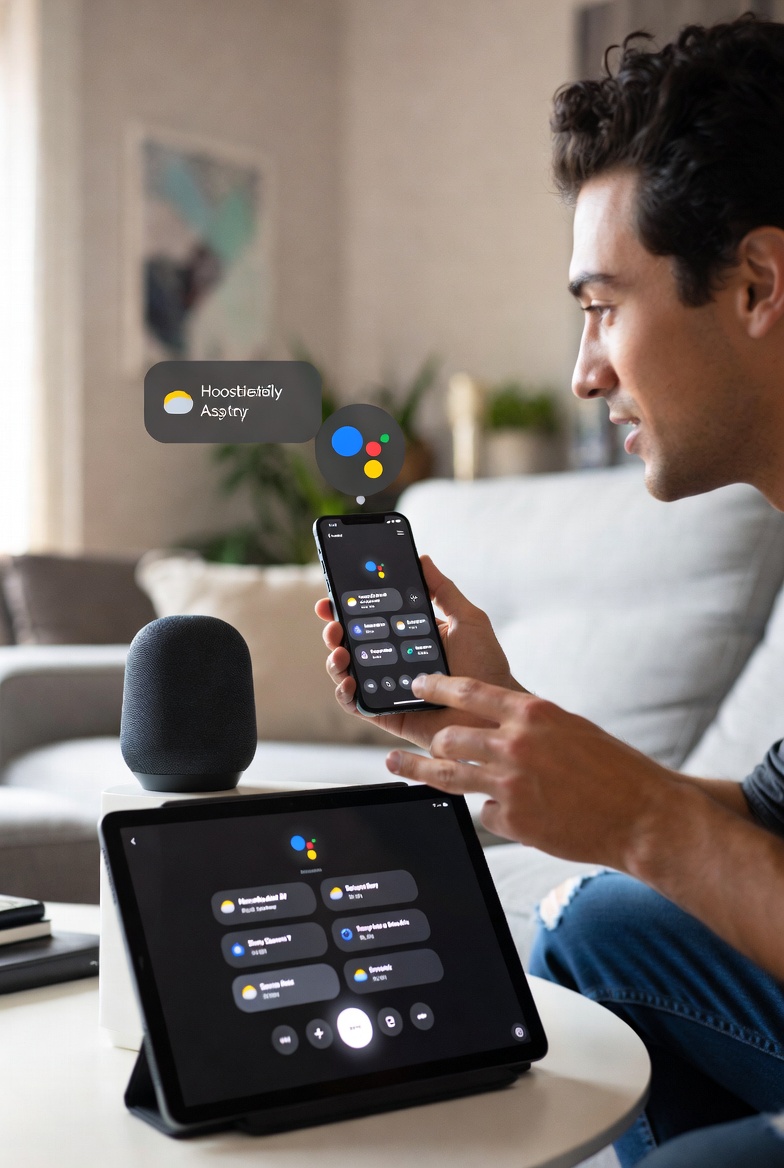
Google Assistant Vanishing Act: Gemini AI’s Epic Takeover in 2026 – Your Easy Guide to Next-Level Smart Help
Hey Guys, ever yelled “Hey Google” at your phone to set a reminder, only to wonder what’s next for this handy voice buddy.? Well, buckle up.! Google Assistant, that super helpful virtual sidekick for daily tasks, smart home control and quick info grabs is getting a massive upgrade – or should we say, a full swap.? Enter Gemini AI, Google’s smarter, chattier AI that’s stepping in to rule your devices. As of January 2026, the switch is rolling out big time, making life easier with advanced features. This fresh scoop comes straight from latest buzz on X and web updates – let’s break it down simple and fun with real facts to back it up.
You’re rushing out the door, phone in hand, asking for traffic updates or weather. Google Assistant has been your go-to since 2016, handling stuff like alarms, calls and even translating languages on the fly.
But Google is phasing it out for Gemini, a powerhouse AI that’s way better at understanding chats, planning trips and even brainstorming ideas. Why the change.? To make your tech life smoother and more powerful – no more clunky responses.!
What Makes Google Assistant Tick.? (And How Gemini Levels It Up)
Google Assistant rocks voice and touch on phones, watches, speakers and cars. Here’s the basics in easy bites
· Daily Hustle Help: Set timers, reminders or calendar events. Add shopping lists to Google Keep. Gemini amps this with proactive tips, like suggesting routes based on your schedule.
· Chat and Call Vibes: Hands-free calls, text sending or email reading. Gemini adds natural convos, like chatting about news or recipes without awkward pauses.
· Smart Home Boss: Flip lights, tweak thermostats or check cams via Nest or other gadgets. Gemini’s rolling into Google Home devices now, making it “more conversational and capable” – early users on X are raving about it.! One X post called it a “huge upgrade” for home automation.
· Fun and Facts Zone: Blast Spotify tunes, get weather scoops or search the web. Gemini shines here with real-time translations in 44 languages and reading articles aloud. Plus, it integrates with apps like Gmail for smart email summaries – launched January 2026.!
· Cool Extras: Interpreter mode for live talks, app shortcuts like “Start a run on Nike app.” Gemini takes this further, remembering your prefs and suggesting stuff like flight plans.
Google kicked off the Gemini switch in 2025 for Pixel phones but the full mobile rollout.? Pushed to 2026 for a “seamless transition.” No rush – if you’re still on Assistant, you can stick around a bit longer. X users are mixed: Some love the AI boost, others gripe about privacy or glitches, like one saying “nothing works the way it used to.”
═════════════════════════════════════════════════════════════════════
READ MORE: How Where Is My Train App Became India’s Top Train Tracker
═════════════════════════════════════════════════════════════════════
Bumps in the Road: What Google Assistant Struggles With (And Gemini Fixes)
No tool’s perfect, right.? Google Assistant hits walls like
· Fade-Out Alert: Features dropped in 2024, full Gemini swap by mid-2026. But hey, Gemini’s already in Gmail and Home, expanding fast.
· Device Limits: Basic phones skip fancy stuff. Needs Android 5+ with decent RAM. Gemini requires Android 10+ and 2GB RAM – check your settings.!
· Chat Smarts: Sometimes misses context in long talks. Gemini.? Built for that with better memory and ideas.
· Hardware Musts: Mic and speaker needed. In India, dial a toll-free line for Assistant – Gemini might join soon.
· X chatter shows privacy worries: “Gemini has access to sensitive info,” one post warns. But Google promises secure, opt-in vibes.
Get Started: Easy Access to Google Assistant (Soon Gemini)
Fire it up across gadgets
· Android Phones: Pre-installed – say “Hey Google,” long-press home button or swipe corners. Switch to Gemini in Google app settings.
· iOS Folks: Grab the app from App Store.
· Wearables and Home: Built into Wear OS, Nest speakers, displays and Android Auto cars.
· India Special: Toll-free call for features without a phone.
· To enable: Google app > Profile > Settings > Google Assistant (or Gemini) > Voice Match. Boom, you’re set.!
Gemini’s takeover is huge – think millions switching for free, ad-free AI smarts. As one X expert puts it, “Gemini will be the default assistant.” Ready for the future.?
What’s your take – sticking with Assistant or hyped for Gemini.? Share your voice command wins (or fails) below.!

And the day came when the risk to remain tight in a bud was more painful than the risk.
- Labbayak Technologies